01
Say it in your own words.
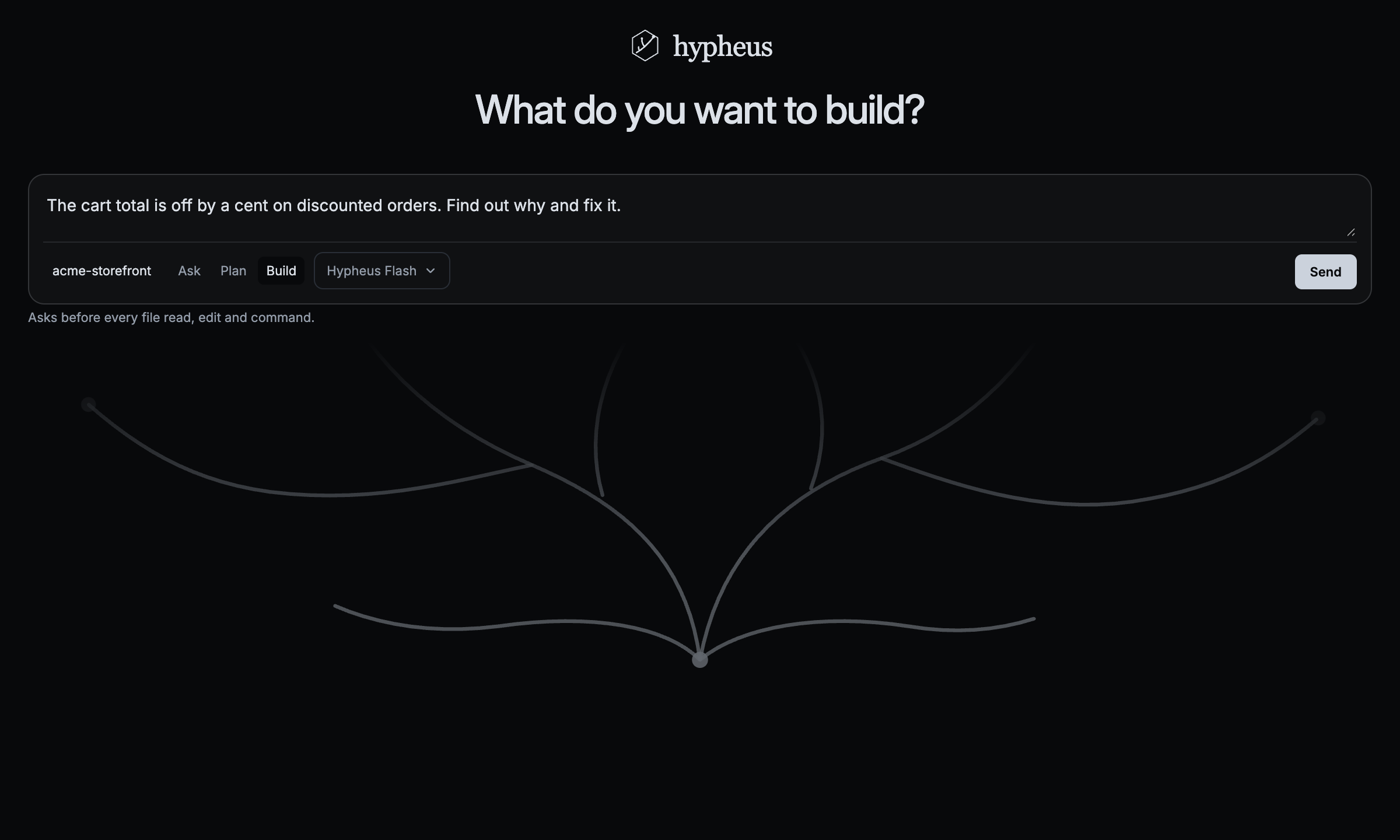
Start with a sentence, not a setup screen. Hypheus opens on a message box. Pick Ask to learn, Plan to think it through, or Build to make the change.
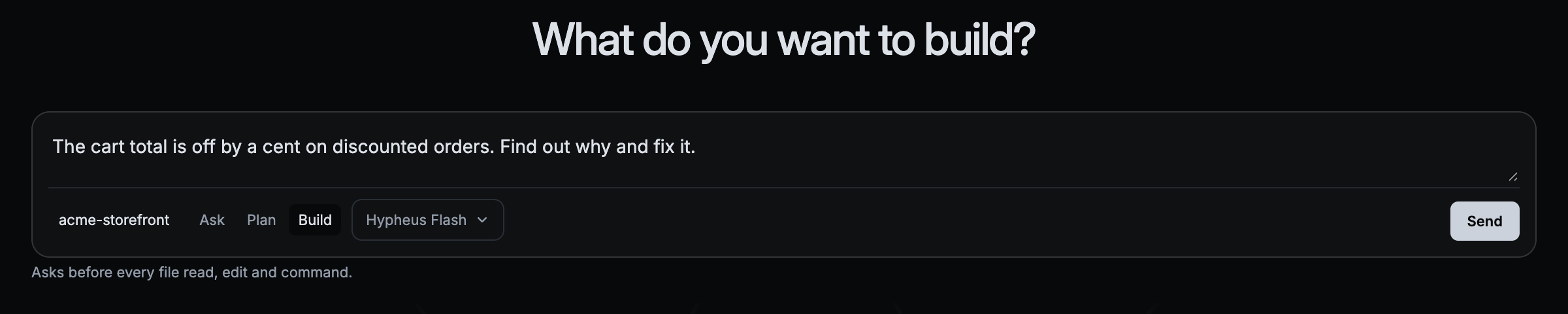
A Crowe Logic workspace
Hypheus is a desktop workspace for building with an agent. Describe the work in plain language. By default, proposed file actions and commands wait for your decision. Enable Autopilot to authorize permitted workspace actions and commands within task limits.
macOS 12 or later. Apple silicon and Intel. Version 1.0.6.
How it works
Start with a sentence, not a setup screen. Hypheus opens on a message box. Pick Ask to learn, Plan to think it through, or Build to make the change.
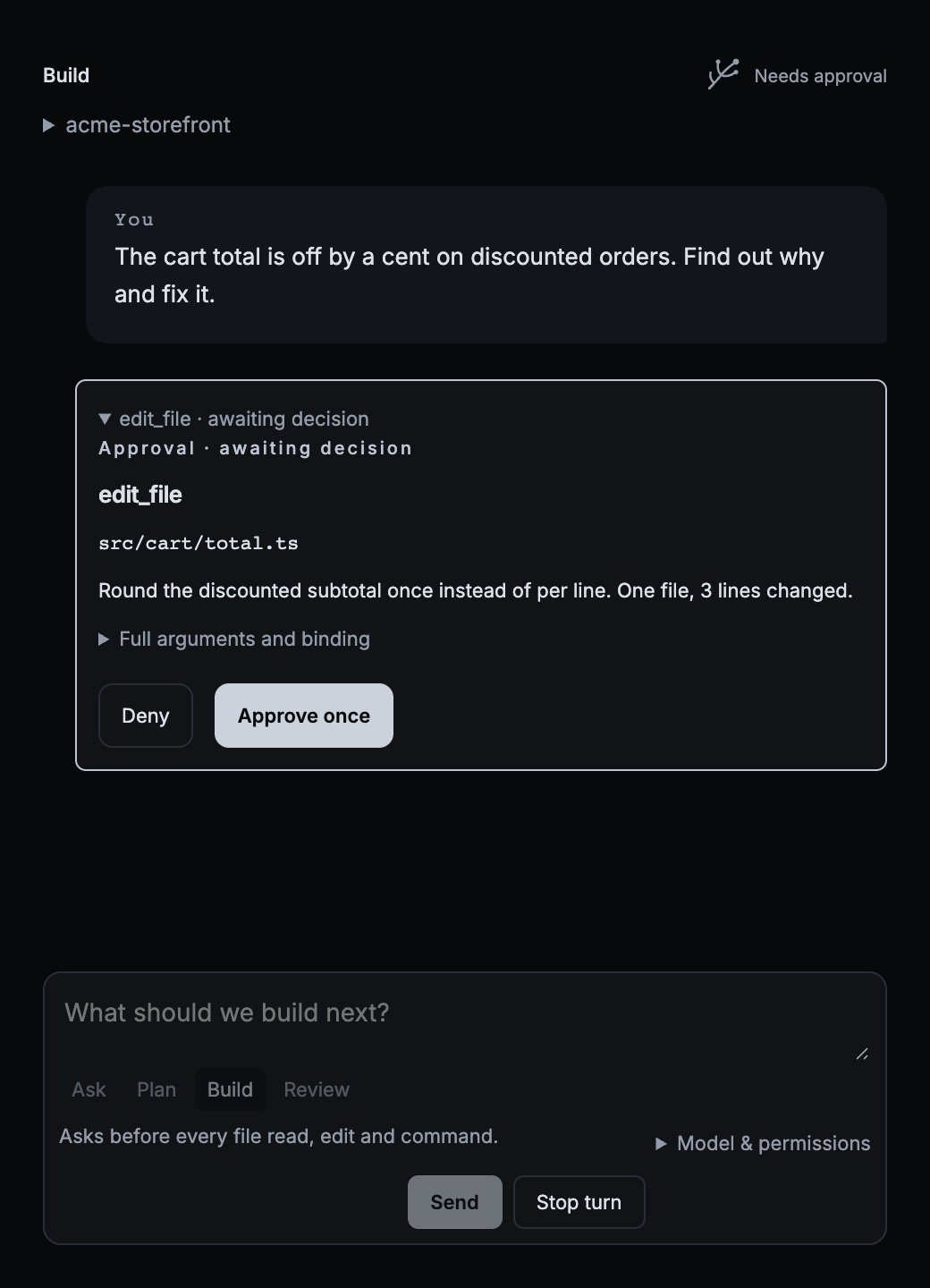
With Autopilot off, the agent shows proposed file actions and commands before they run. Approve an action once or deny it. When you enable Autopilot, its policy can authorize eligible actions for the task.
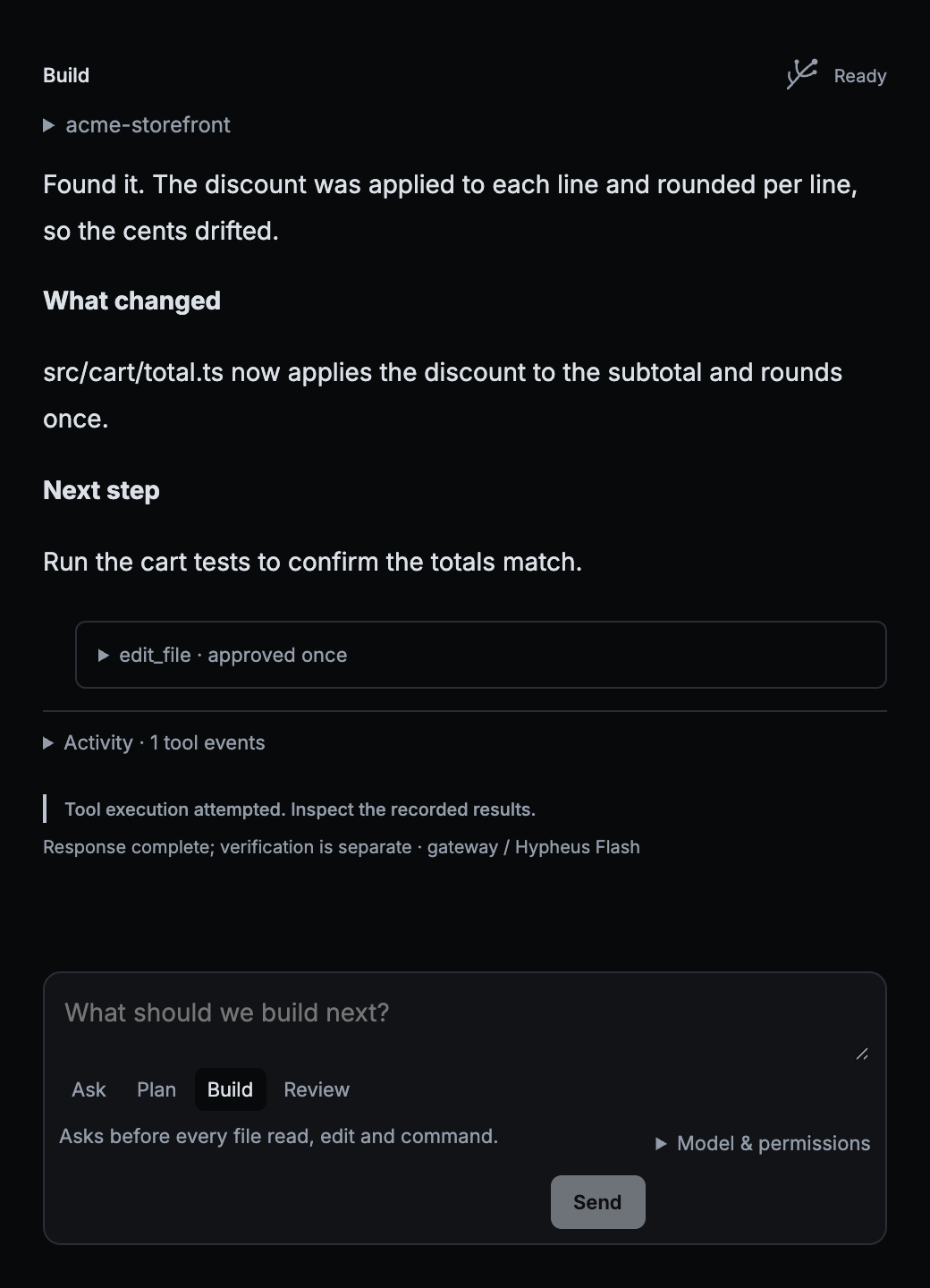
The response says what was done and which file it touched, and names the next step. A finished response is not a passing test, so Hypheus points you at verifying it.
Operating modes
Three modes, each with a clear boundary on what it may touch.
Questions and explanations. Text only. No files are read or changed.
Think a change through before making it. Text only. No files are read or changed.
Read and list files, propose edits, and run commands. With Autopilot off, each proposed action waits for your decision.
Autopilot
In Build mode, check Autopilot and Hypheus works through the task on its own across several turns, inside an operating envelope you choose before it starts.
Autopilot applies a command-line policy. Commands and workspace scripts run with your operating-system permissions; the policy does not inspect everything a script may do.
Models
One menu, searchable and grouped by who makes each model. Hypheus is the instrument; the engine is yours to select.
Authority
Keep individual approvals, or explicitly enable Autopilot for a bounded task. Its activity log records automatic decisions and actions that need your approval.
Each approval names the action, the file and the effect, with the full arguments one click away.
A response, a file change and a passing test are three different things. Hypheus does not blur them.
Hypheus will not start an agent session in a workspace you have not trusted. Anything it reads is sent to the model you selected.
Download
Choose the build that matches your Mac. Open the Apple menu, then About This Mac: the chip line reads Apple M1 or later, or Intel.
RZIH3peombm5AWKk0aXej2a/DYXmaOHWLe+a/WXT3LJlI2ChRfjzfV09moO3Jj6ckKId07lSXhIcki8t8GP4gw==lTmC66SoD9V66LqL0wlqRd7R5wT0UbxPUa965Fu2WWmnpR29vNSTIhPHGrTuMlos4lXiiY0XjVnabix+SonxVA==Signed with a Developer ID and notarized by Apple. Open the .dmg and drag Hypheus to Applications. Install and sign-in steps. See plans and pricing. Questions: Crowe Logic support.